



RichRoyal App
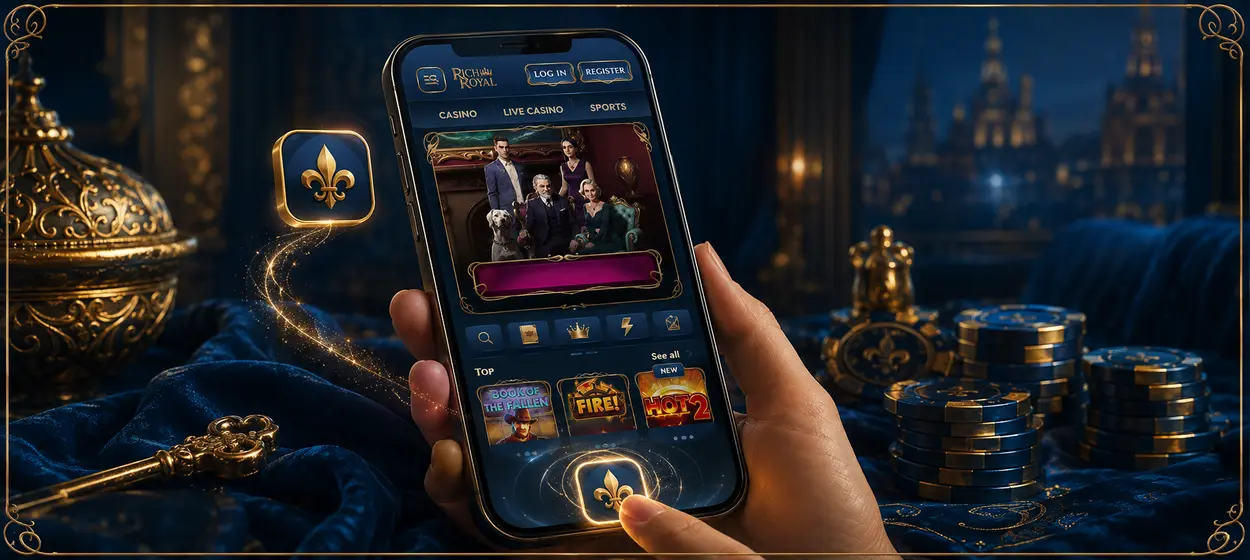
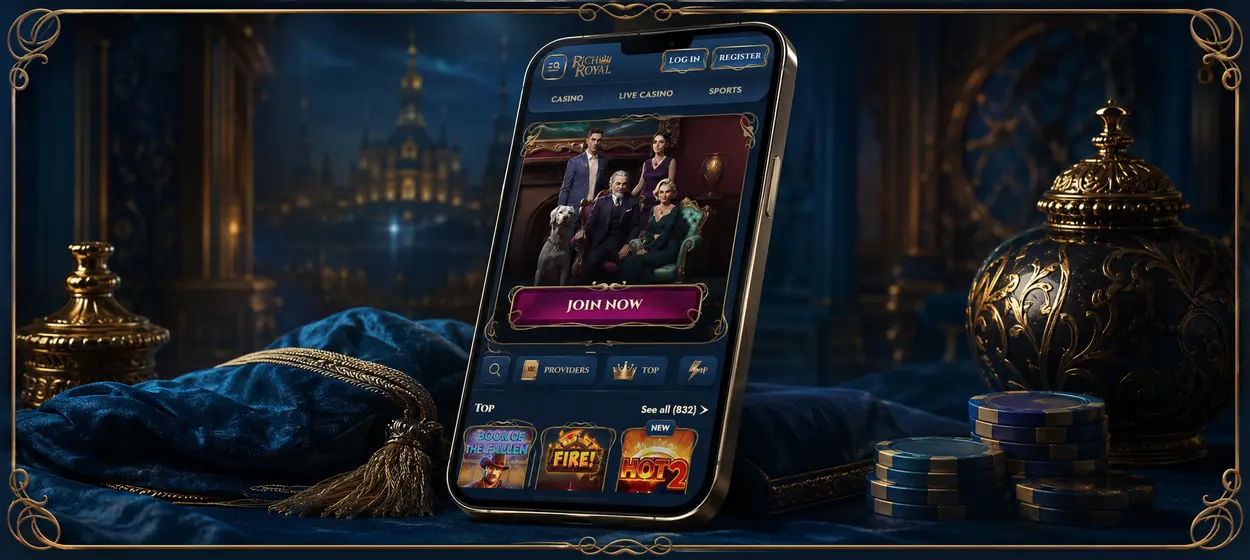
That shortcut on the home screen makes the platform feel more immediate, and it’s easier to go back to for everyday use. In the RichRoyal app, you can play casino games and bet on sports through a mobile browser without downloading it from an app store. It has a responsive interface that works on different screen sizes, and the website is updated automatically so you don’t have to manually install new versions.



RichRoyal Mobile Casino Features
The RichRoyal app is a browser-based shortcut that gives the website a more direct, app-like format. It keeps the full platform online rather than storing a separate program on the device, which brings several practical advantages:
- Players add the shortcut through our Rich Royal website without downloading an APK or visiting an app store.
- New features and game releases appear automatically, so manual updates are unnecessary.
- The shortcut uses very little storage because the platform loads through the browser.
- Secure HTTPS and TLS 1.3 protect account activity and personal data during each session.
The interface is responsive to smartphones and tablets in portrait or landscape mode. Players can add the icon to their home screen and then open RichRoyal with just one tap, using the same account for casino games and sports betting.
Device Compatibility
The Rich Royal App is compatible with Android and iOS smartphones and tablets, including iPhones and iPads. Windows and macOS users can sign into the same account from a laptop or desktop computer without installing any separate software. The layout changes to the screen size and can be switched between portrait and landscape mode if the device supports rotation.
Current versions of Chrome, Safari, and Edge provide the most reliable access to game controls and account features. If you have newer hardware and a stable internet connection, live dealer streams and graphics-heavy titles will run better. You can enjoy better security and reduced loading problems. Your platform displays properly when your operating system and browser are up to date.
Mobile Application for Android Devices
Android users can add the RichRoyal app directly from Chrome or another supported browser. Open the official website, select Add to Home Screen from the browser menu, and confirm the shortcut. There is no need to download an APK file or search for Rich Royal in Google Play.
The new icon opens the mobile platform without entering the website address each time. It uses very little device storage and automatically loads the current version. After signing in, players can return to the same account activity and continue using casino or sportsbook features from their smartphone or tablet.
Mobile Application for iOS Devices
On iPhone and iPad, users can place a RichRoyal app shortcut beside their other apps and open the platform directly from the home screen. Safari handles the setup through its standard sharing menu, so the process takes only a few steps.
To add Rich Royal to an iOS device:
- Open the RichRoyal website in Safari.
- Tap the Share icon in the browser toolbar.
- Scroll down and select Add to Home Screen.
- Change the shortcut name if needed.
- Tap Add to place the Rich Royal icon on the home screen.
The new icon removes the need to search for the website or enter its address again. Customers can sign in with their existing details and continue using the same account on iPhone, iPad, or desktop.
RichRoyal Casino Application for Computer Play
The RichRoyal app runs directly in a modern browser on Windows and macOS, but adding a desktop shortcut makes regular access quicker. It opens the current version of the platform immediately and returns players to the same account. Once you’ve done that, they can keep playing, see what they’ve paid, or change account settings without having to find the website again.
A computer offers more real estate for detailed slot interfaces and live dealer streams. Full screen mode hides the browser controls, so you get a cleaner view, and the bigger display makes it more comfortable to use for longer sessions. Players can switch to a smartphone or tablet later and continue with the same RichRoyal account. Both versions provide access to the same platform, but each suits a different type of session. The table below focuses on the practical differences between the two formats:
| Feature | PC Version | Mobile Application |
| Site Navigation | A mouse, trackpad and keyboard provide more precise control over menus and game settings. | Touch controls allow for quick taps, swipes and simple one-handed navigation. |
| Multitasking | Users can have separate tabs open for games, betting markets, support or bonus terms. | Fast to switch between sections, but less details on the screen at the same time. |
| Using the Sportsbooks | Wider layouts enhance comparison of odds, markets and bet slips. | The small size is ideal for checking events and making a bet without a computer. |
| Device resources | Longer sessions don’t rely on a phone battery or mobile data allowance. | Games using heavy graphics and live streams may use more battery and data than simpler games. |
| Shared device security | Players should log out and not save their password on a public or shared computer. | A lock on a personal device adds a layer of protection, but users should still log out when others have access to it. |
The formats complement each other, allowing gamers to choose the best-suited setup for each session.
FAQ
Can I use RichRoyal Casino without adding a shortcut?
Certainly. Players can open our website in the supported browser and play the mobile version directly. The shortcut is optional and only cuts down the steps to get back to the platform.
Will removing the RichRoyal app icon delete my account?
No. Deleting the icon just removes the shortcut from your device. The account and saved activity will remain associated with the registered profile and be available again upon the next login.
What happens if I clear my browser data?
Clearing cookies or website data may sign you out of the player and clear saved browser preferences. It doesn’t erase the RichRoyal account or impact the funds and activity stored in the registered profile.


